



A full-screen kiosk mode
The app switches to a locked full-screen view of the schedules: visitors check availability and book, without accessing anything else.
More Information
The app switches to a locked full-screen view of the schedules: visitors check availability and book, without accessing anything else.

A member dropping by books their time slot at the kiosk in just a few taps, exactly as they would on their phone.

Each player checks in at the kiosk or via a QR code: you know who actually showed up, time slot by time slot.

Presence check-in makes absences visible and measurable: ghost time slots become less frequent and your attendance statistics become reliable.
Dedicated touchscreen kiosk, a simple wall-mounted tablet or the front desk screen: kiosk mode adapts to the hardware you choose.
Members without a smartphone — or who would rather not use one — keep full access to booking.
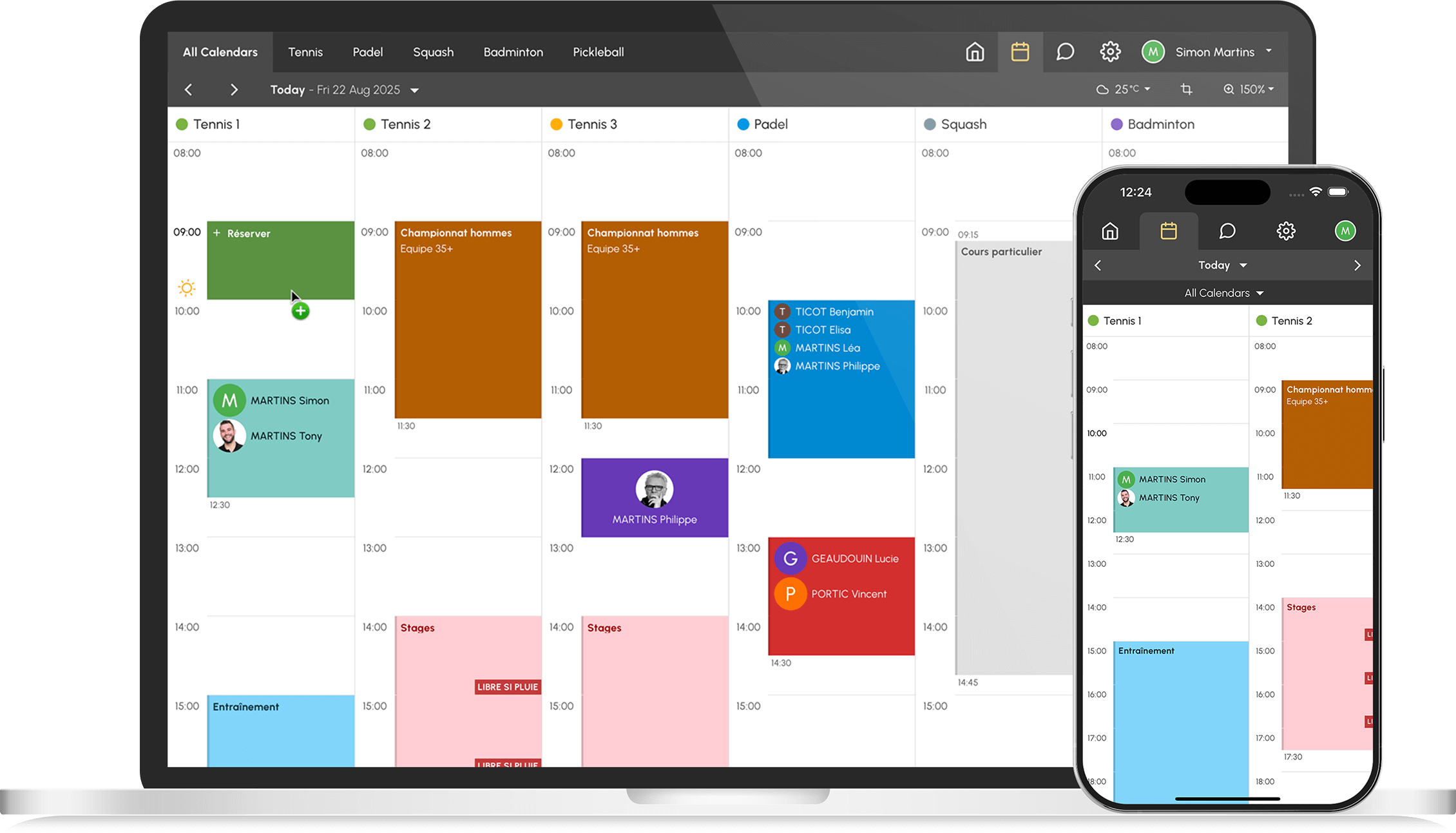
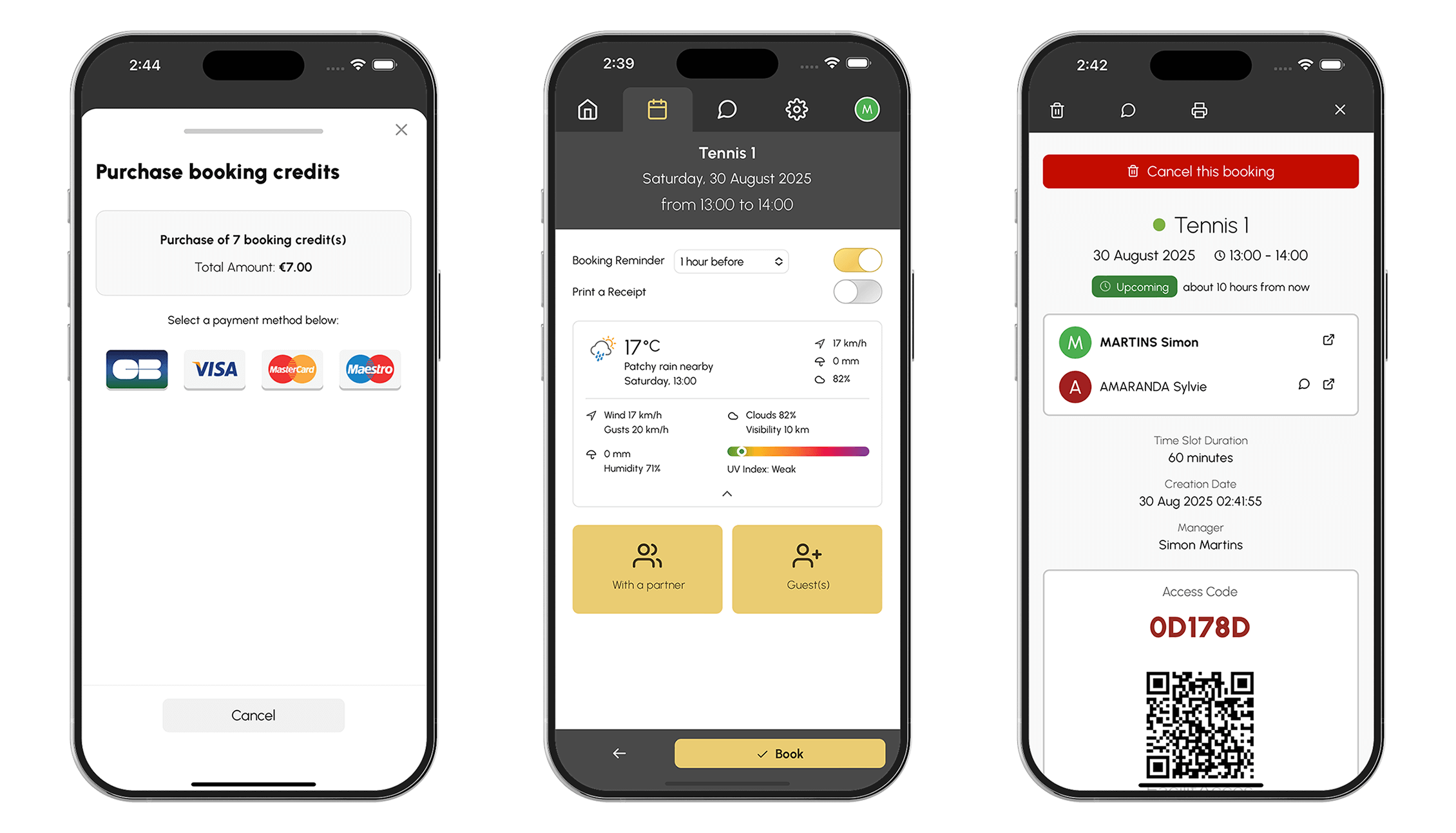
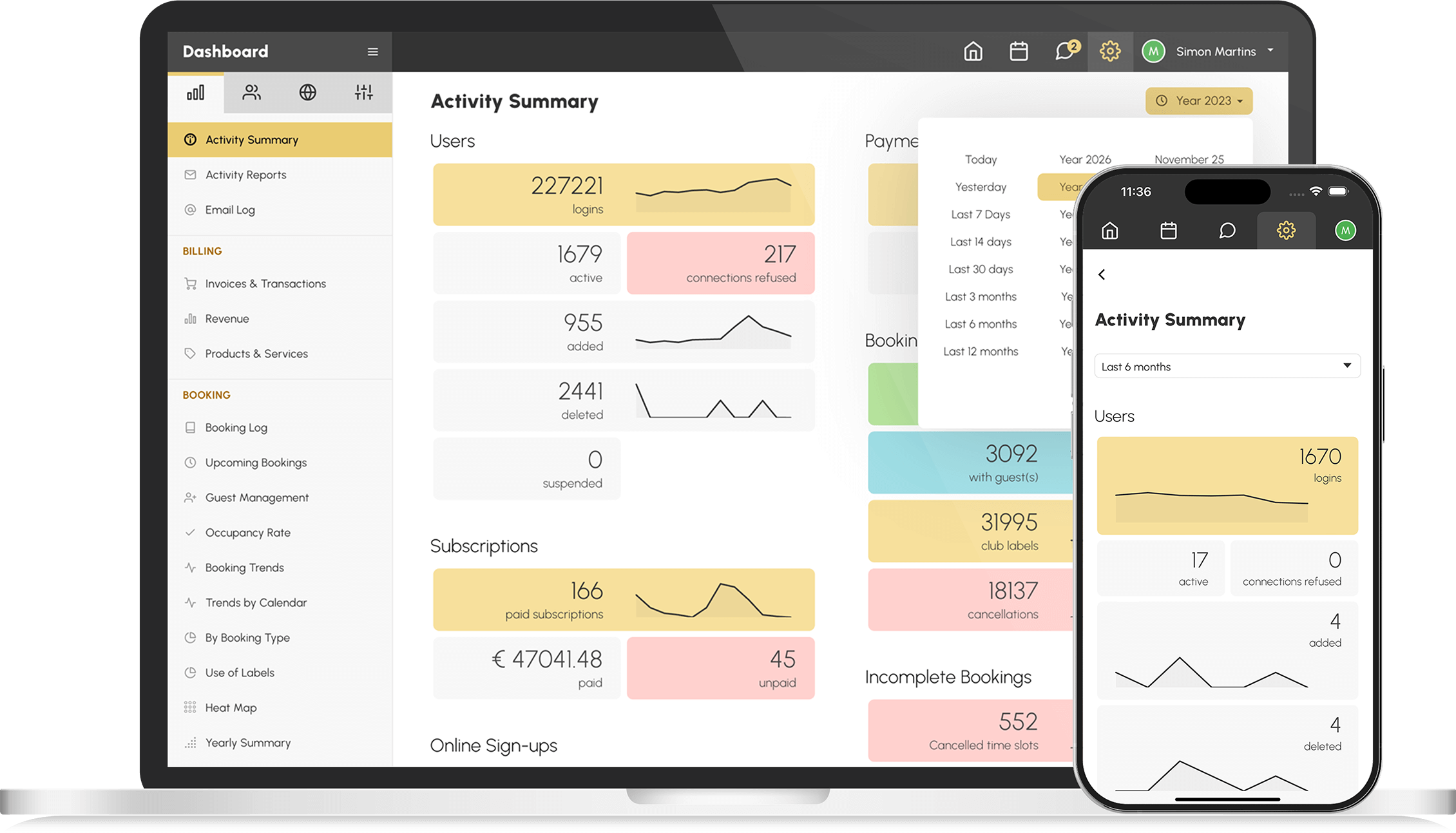
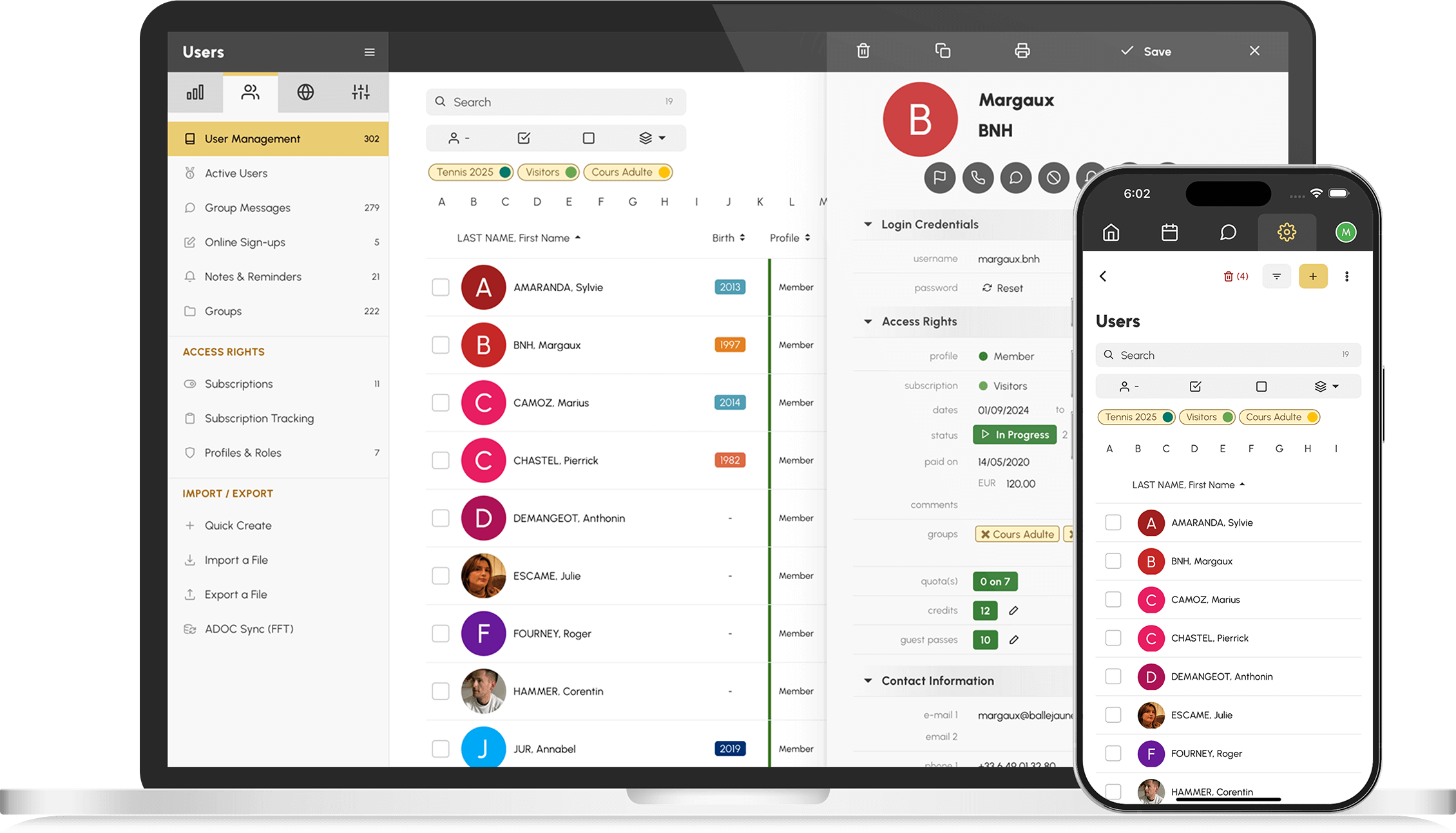
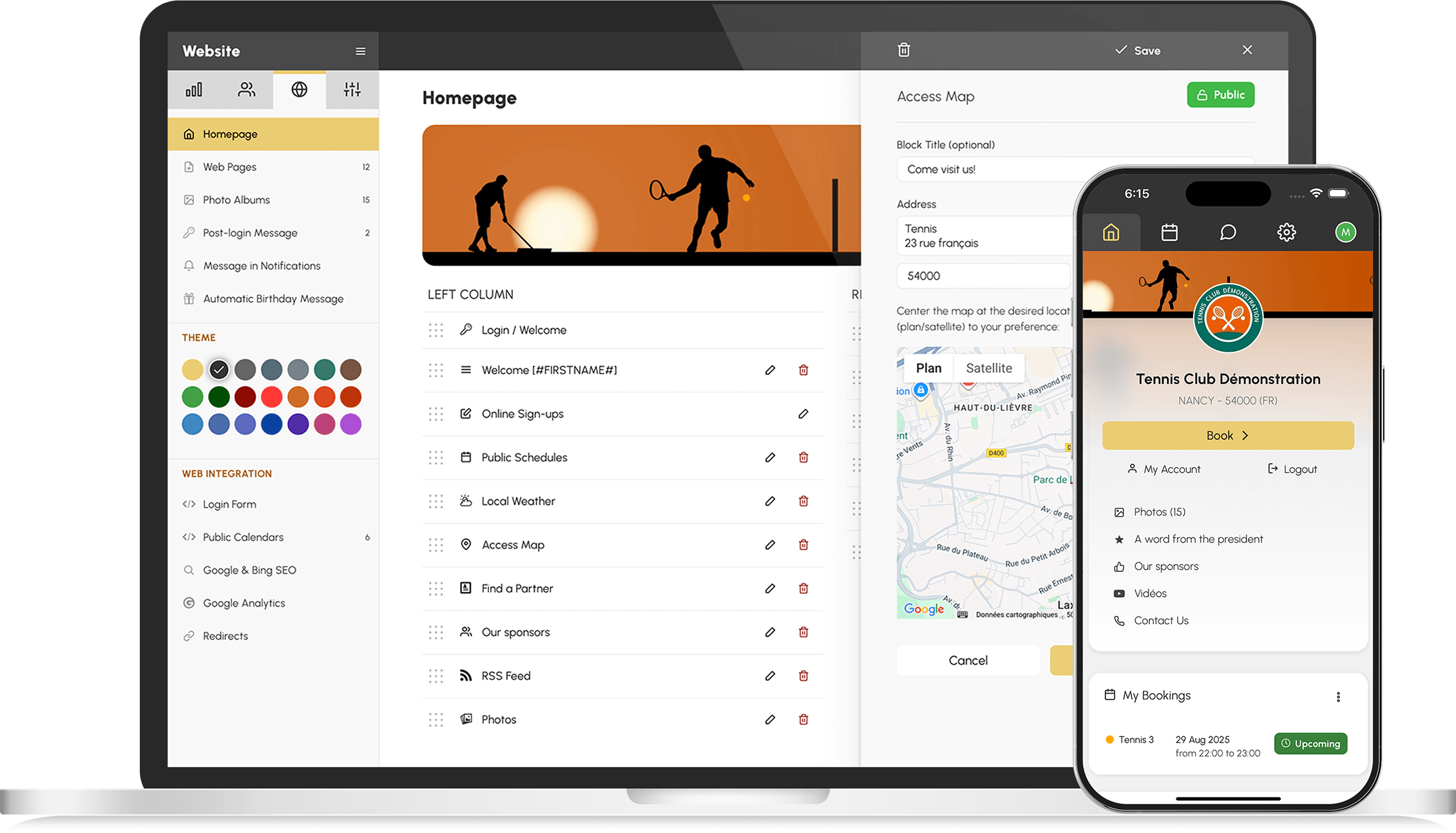
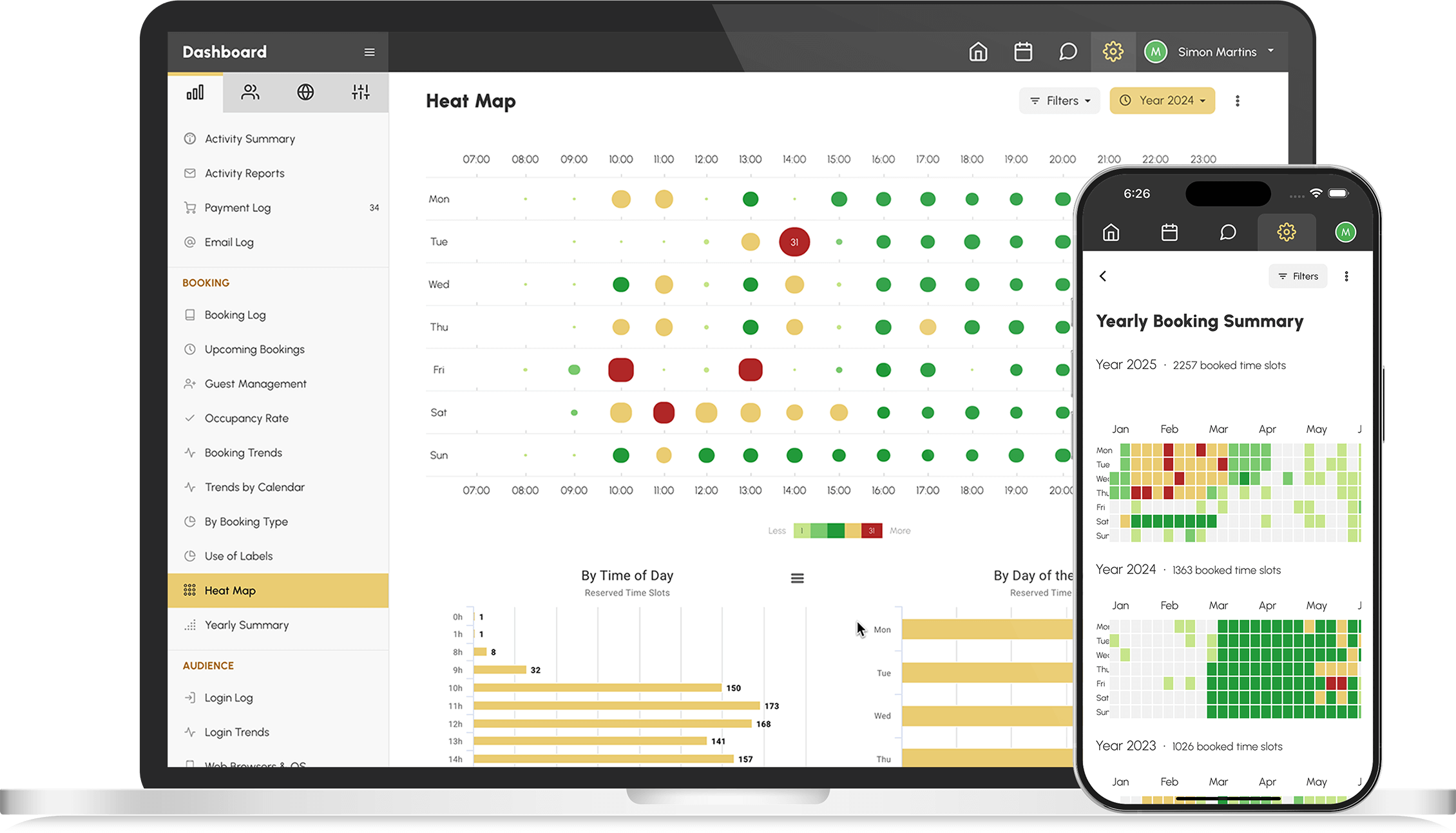
The kiosk displays the calendars at all times: everyone can see available and booked time slots at a glance.
Kiosk mode is restricted to the schedules: no access to settings or to other users' data.
Each booking has its own QR code: the player scans it on arrival and their presence is recorded.
Presence check-ins feed your statistics: actual attendance replaces assumed attendance.
A multi-hall complex installs one kiosk per reception desk, each targeting the schedules of its own building.
Pair the kiosk with access control: the player checks in, the court door opens for their time slot.
At peak times, a club's front desk repeats the same answers over and over: which time slots are still free, how to book, where to check in. A booking kiosk absorbs these questions — schedules are displayed, bookings are made on the spot, and the team can focus on what really matters.
Not all of your members have a smartphone in their pocket — and an occasional visitor won't install anything just for a game. The kiosk offers the same service as the BalleJaune app, freely accessible at the club entrance: no one is left off the schedule.
When players check in at the kiosk on arrival, absences become visible: you know which time slots are actually played and can adapt your rules — reminders, releasing time slots with no check-in, raising awareness among habitual no-shows. Schedules regain space where there was none left.
A single wall-mounted tablet is enough to get started: enable Kiosk Mode from your administration area and your reception is ready. The free plan for up to 30 users lets you try it out with no commitment.

Security, simplicity, efficiency. Each user is assigned a personal access code allowing them, for example, to open the clubhouse door from 10:00 to 22:00 and the court door during the duration of their booking.
Facilitate access to your spaces with QR codes and secure temporary codes. During their booking, the user obtains a temporary access code allowing them to open the court door during the duration of their booking.

Make your spaces easier to access and manage. During their booking, the user obtains a temporary access code allowing them to open the court door during the duration of their booking.
Smart locks that do more with less. During their booking, the user obtains a temporary access code allowing them to open the court door during the duration of their booking.

Accept card payments securely with Stripe, the global leader in online payments. Purchased services are delivered automatically as soon as the payment is confirmed.

The payment solution dedicated to French associations: accept payments for memberships, dues and services at no cost, as HelloAsso is funded by the voluntary contributions of payers.

Accept online and on-site payments with SumUp: connect your account in a few clicks, then pair a POS terminal with your cash register.

Link your bank's distance selling contract to the Paybox by Verifone platform and accept card payments directly into your bank account.