

Accept payments with Stripe
Stripe is a card payment solution suited to most clubs, and is available in most countries. Your users pay directly by card, without needing to create an account, on a secure payment page.
Prerequisites
If you already have a Stripe account, keep your login details close at hand. Otherwise, no preliminary step is required: Stripe guides you through creating an account for your organization directly during the connection process.
Connect your Stripe account
- Go to Administration›Settings›Billing›Billing Accounts, open the relevant billing account, and go to the Payments tab.
- Enable Online Payments, select Stripe from the list of gateways, then click Save: the connection button then appears on the page.
- Click Connect my Stripe account if you already have one. Click Create and connect a Stripe account to create one directly. Both options are displayed side by side. A new tab opens to a secure Stripe page where you can sign in, or enter your organization’s information, and authorize the connection.
- Back on this page, the account appears as connected. Use Test the connection to check that everything is working.
An Online Help link directly in the form gives details about fees and connection steps.
Understand the payment on the user side
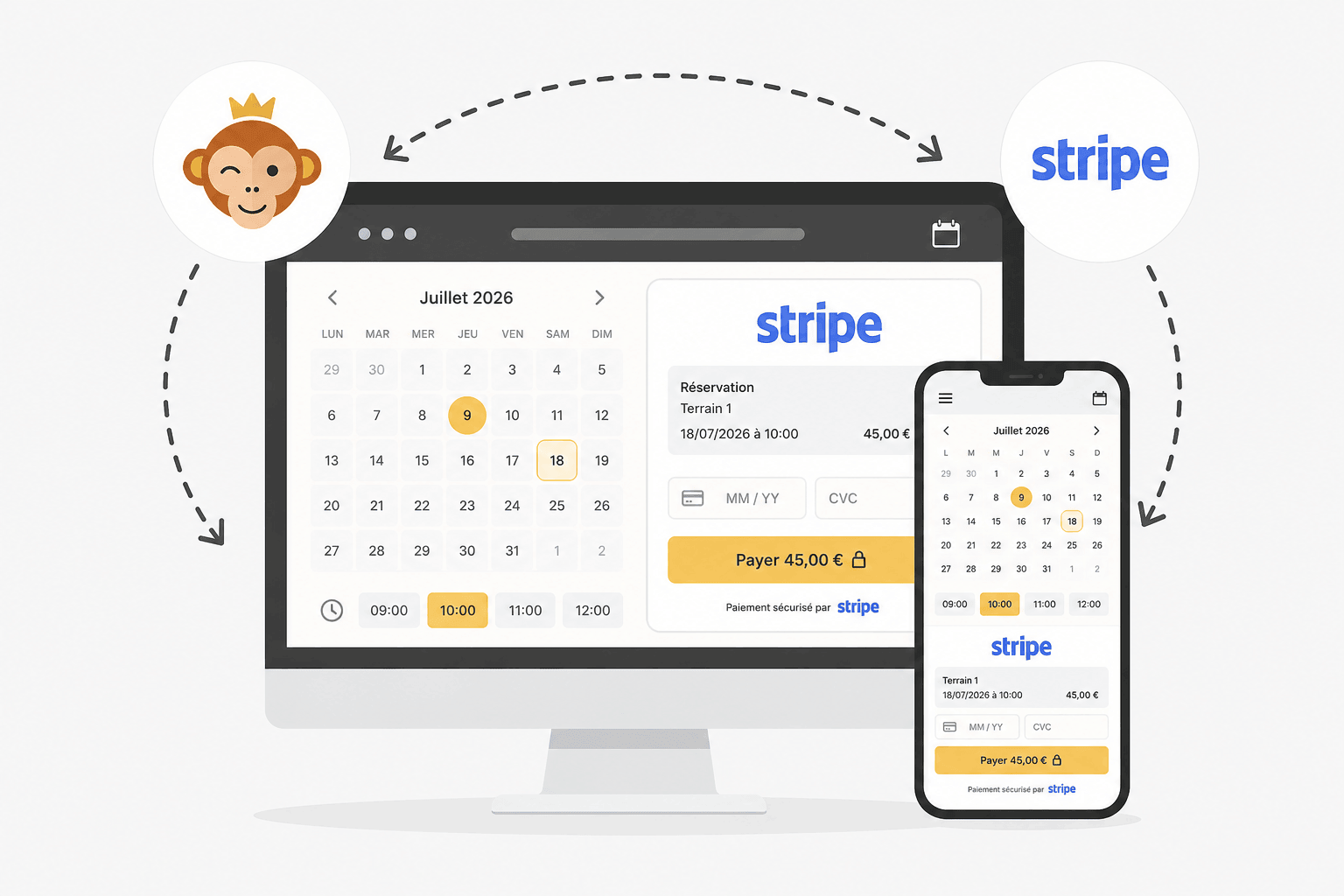
When paying, the user chooses Online Payment and is then redirected to a secure Stripe payment page. The user pays by card there. Digital wallets, such as Apple Pay and Google Pay, are offered automatically on that page depending on the user’s device, with no additional settings required from you. Once the payment is complete, the user automatically returns to the club.