



Menerima pembayaran dengan Verifone (Paybox)
Verifone e-commerce, sebelumnya bernama Paybox, adalah platform pembayaran yang terhubung langsung ke rekening bank organisasi Anda. Platform ini kompatibel dengan semua bank di Prancis dan juga cocok untuk lembaga publik (balai kota, gabungan komune, dan sebagainya).
Prasyarat
- Kontrak penjualan jarak jauh (VAD) yang Anda buat dengan bank Anda: bank akan memberikan nomor situs (7 angka) dan nomor rang (2 atau 3 angka — simpan hanya 2 angka terakhir jika terdiri dari 3 angka).
- Berlangganan Verifone e-commerce: setelah divalidasi, Anda menerima nama pengguna melalui e-mail. Kata sandi untuk mengakses back-office Verifone harus diminta melalui telepon ke layanan pelanggan Verifone.
- Kunci HMAC yang dibuat dari back-office Verifone, yang mengamankan pertukaran data antara Verifone dan organisasi Anda.
BalleJaune telah menegosiasikan tarif khusus dengan Verifone untuk organisasi. Untuk memanfaatkannya, berlanggananlah dengan kontrak keanggotaan khusus alih-alih menggunakan formulir publik:
unduh kontrak keanggotaan.
Menghubungkan akun Verifone Anda
- Masuklah ke Administrasi›Pengaturan›Penagihan›Akun Penagihan, buka compte de facturation yang bersangkutan, lalu pilih tab Pembayaran.
- Aktifkan Pembayaran online dan pilih Verifone dari daftar payment gateway.
- Isilah keempat informasi yang diminta, persis seperti yang ditampilkan di layar: PBX_SITE (nomor situs), PBX_RANG (peringkat), PBX_IDENTIFIANT (identifikasi pedagang) dan Kunci HMAC SHA512.
- Klik Simpan, lalu gunakan Uji koneksi untuk memastikan semuanya berfungsi.
Tautan Bantuan online langsung di dalam formulir menjelaskan tarif dan langkah-langkah penghubungan secara rinci.
Gunakan frasa sandi yang sama pada mode produksi dan prapoduksi agar memperoleh kunci HMAC yang identik: dengan begitu Anda dapat berpindah mode dengan mudah.
Memahami pembayaran dari sisi pengguna
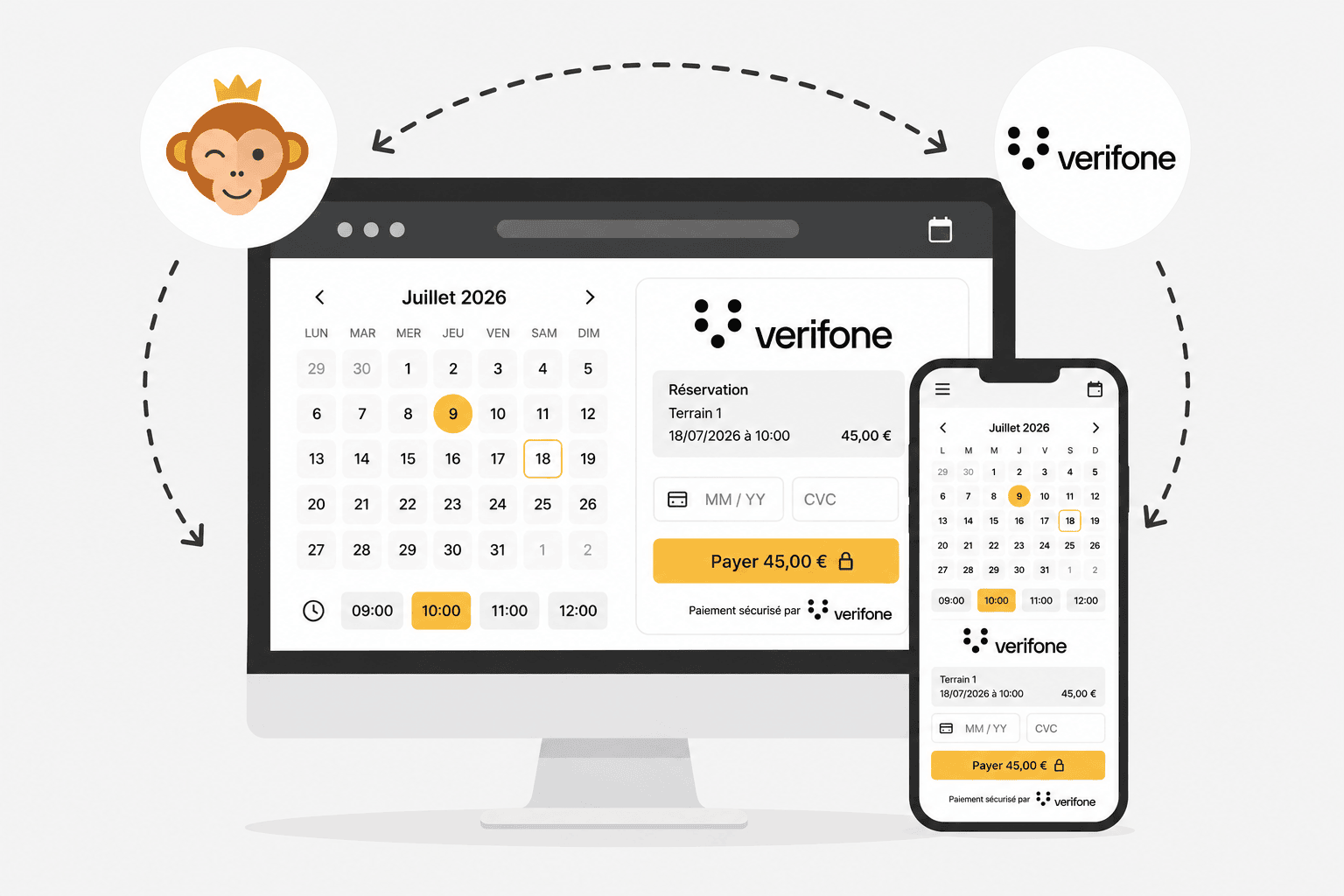
Saat membayar, pengguna memilih Pembayaran online lalu diarahkan ke halaman pembayaran Verifone. Metode pembayaran yang ditampilkan bergantung pada kontrak yang Anda buat dengan bank Anda dan dengan Verifone.
Berbeda dengan komisi yang dipotong pada setiap transaksi, Verifone e-commerce ditagih dalam bentuk langganan bulanan: cari tahu paket yang sesuai dengan volume penjualan Anda.